 Bloomz
Reset your password
Get back into Bloomz when you have forgotten your password. The reset takes two minutes if the account really has a Bloomz password — so the first step is to check that it does.
Before you start
If you normally sign in by tapping Sign in with Clever / ClassLink / Google / Microsoft, your account has no Bloomz password: reset it with Google, Microsoft or your school's technology team instead. Requesting a Bloomz reset for such an account sends nothing, which is exactly what "the reset email never arrives" usually means.
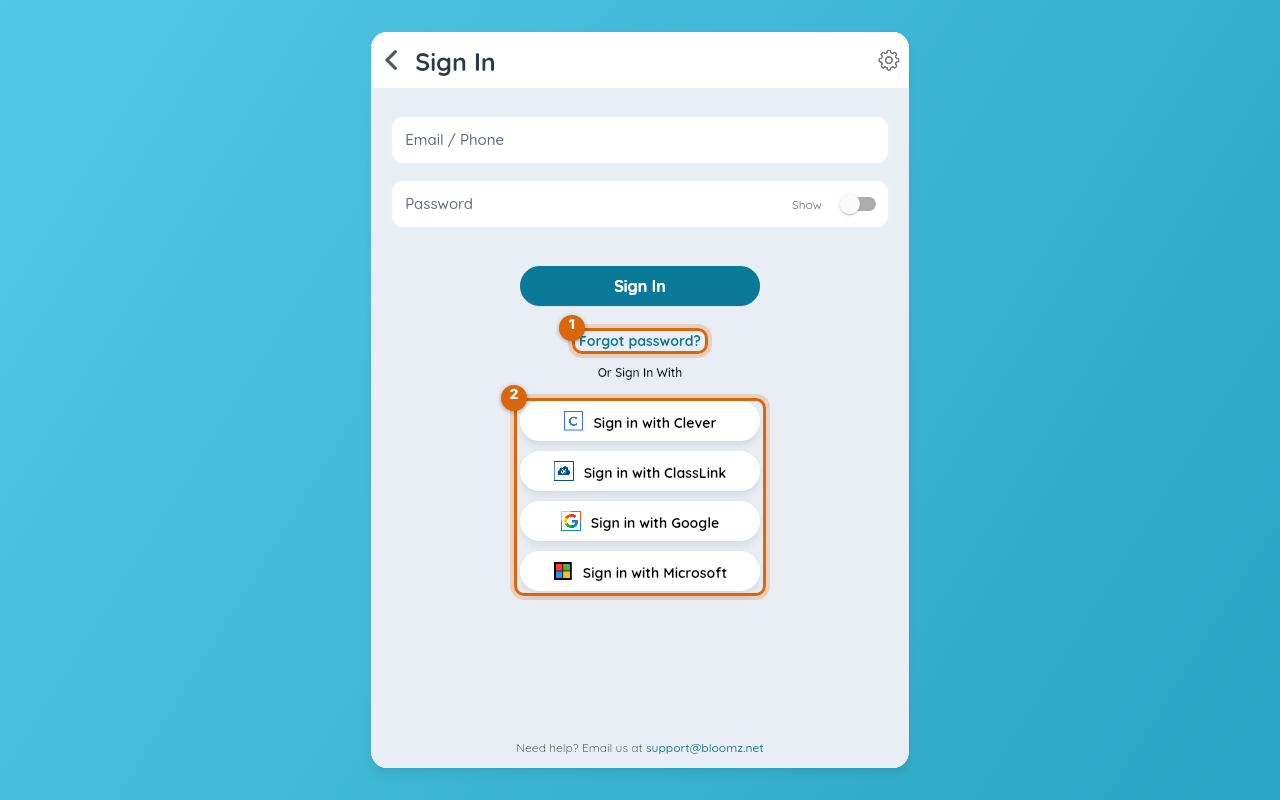
Step 1 — Open the sign-in screen
Open Bloomz and select Sign In on the welcome screen.
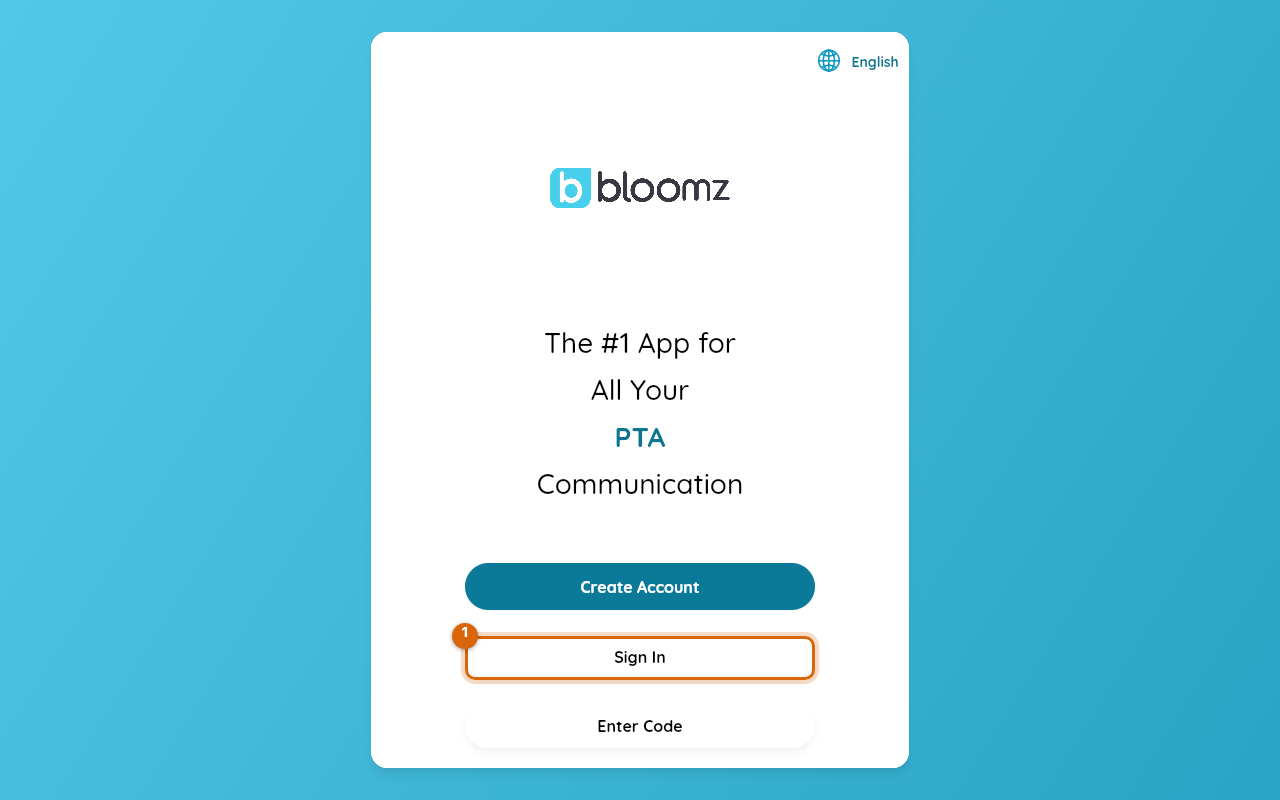
Step 2 — Choose Forgot password?
Under the Sign In button, select Forgot password?
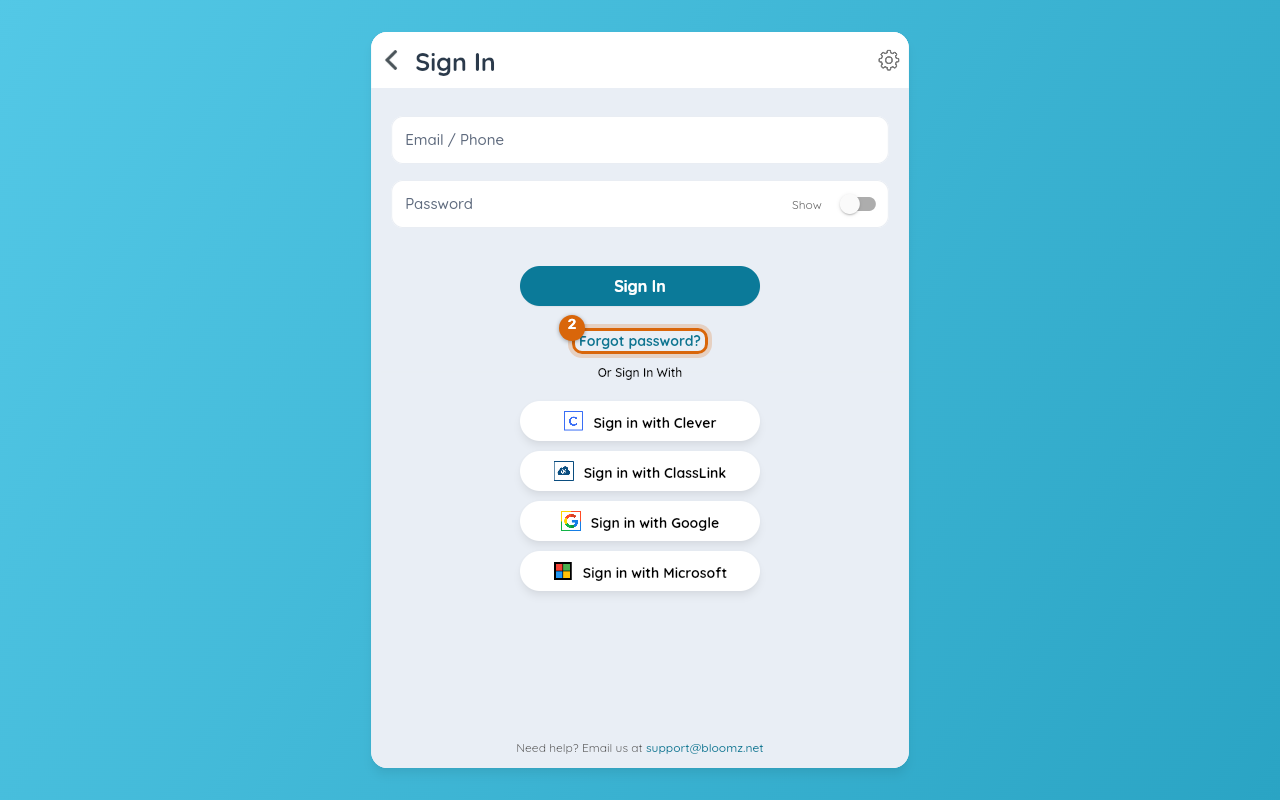
Step 3 — Enter the email or phone on your account
Type the email address or phone number that is on your Bloomz account — not a different one you also use. The reset can only go to the address Bloomz has.
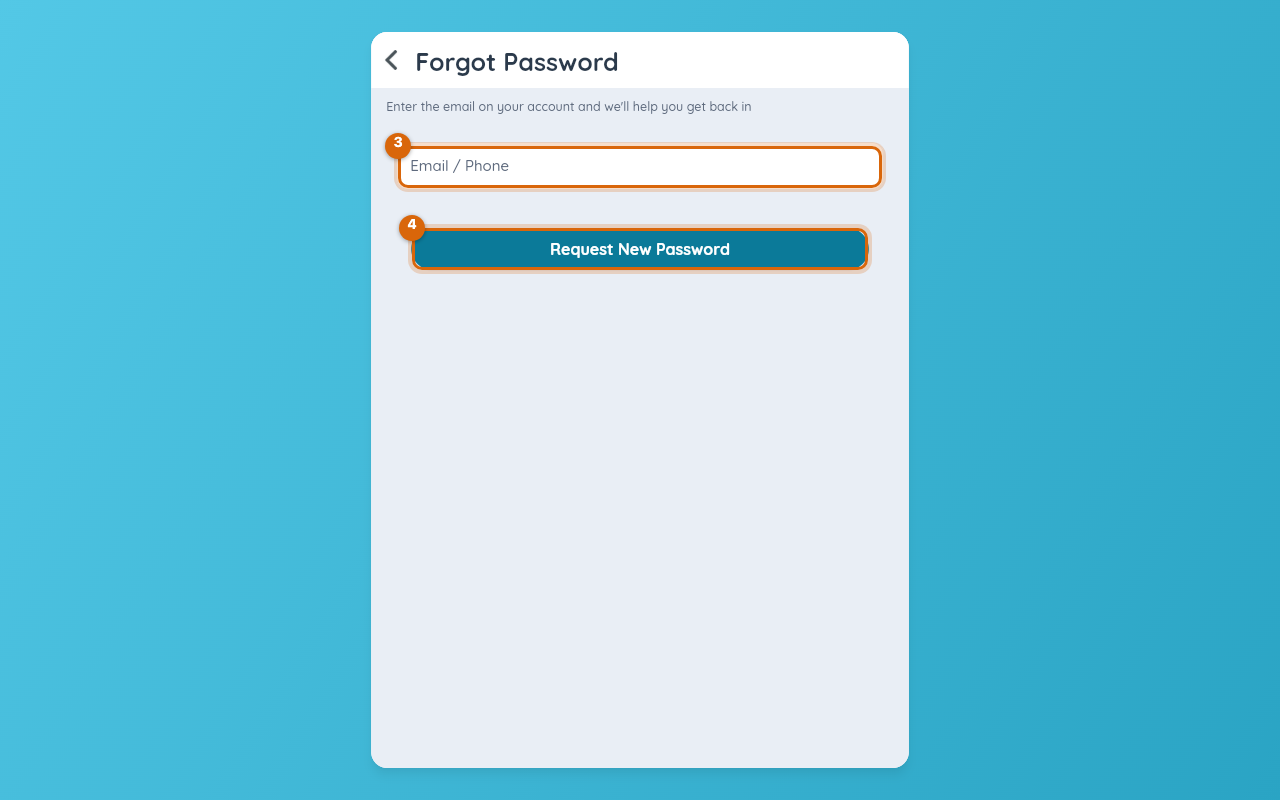
Step 4 — Request New Password
Select Request New Password. Bloomz sends an email — or a text, if the account is on a phone number — with a reset link.
Step 5 — Open the message and choose a new password
Open the message, follow the link and type a new password. Then sign in with it on the sign-in screen from Step 1.
Watch out: if nothing arrives within a few minutes, check — in this order — that you typed the address that is on the account (a family often has a personal and a school address), the spam or promotions folder (search for Bloomz), whether the account uses a phone number (the code comes by text), and whether you sign in with Google or Clever (see Before you start). An address that has stopped accepting mail — a closed school or work account — silently rejects the reset; ask your school to change the address on your account.
Related
- Change your password
- Change your email address
- Your invitation or join code isn't working