Bloomz
Reconcile payouts
Money families pay through Bloomz lands in your school's bank account on the payment processor's own deposit schedule, not one deposit per payment — this article covers matching those deposits against your own bank records using the Payments console's Transactions report, which lists every invoice and payment individually with a date, so you can total up any window and check it against a line on your bank statement.
Before you start
- You need admin or billing-role access to the Payments console; district admins can reconcile across every school in the district from the same screen.
- Have your bank statement or online banking open alongside Bloomz — reconciliation is a side-by-side comparison.
Step 1 — Open the Transactions report
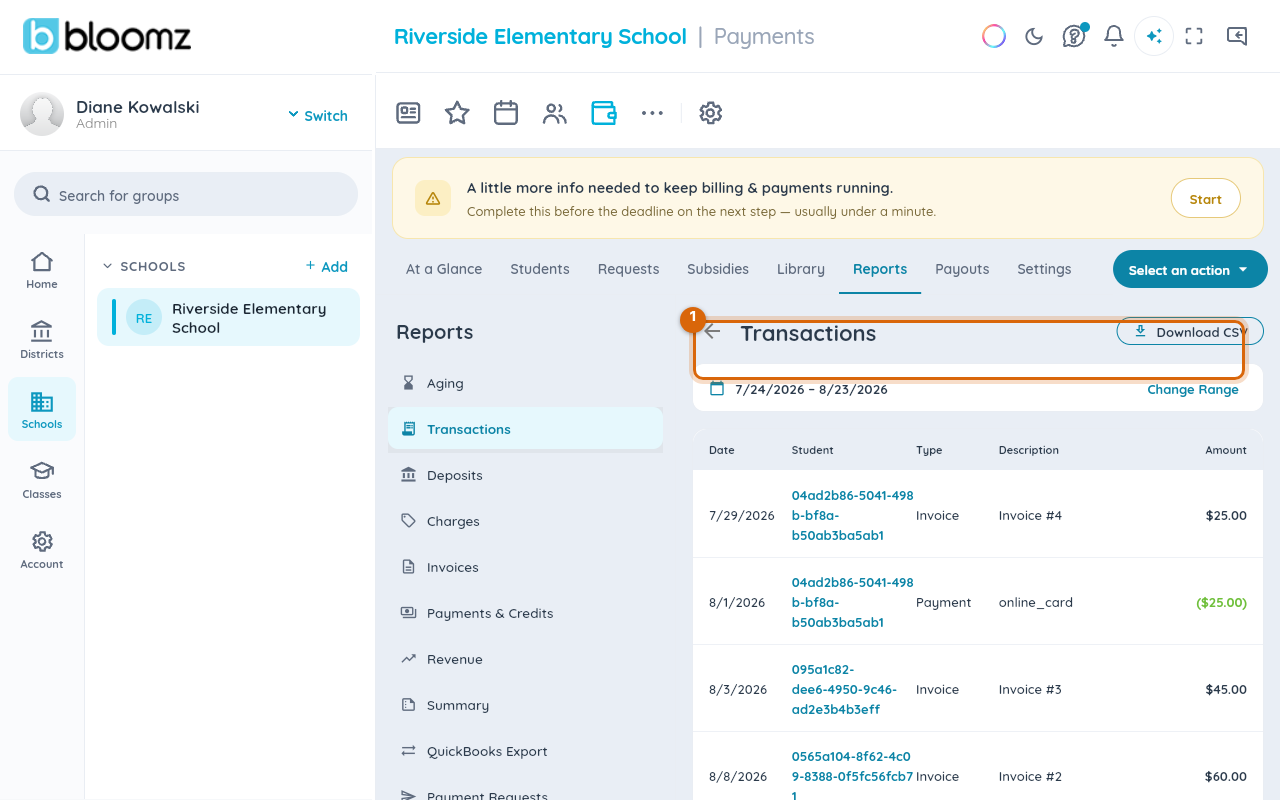
In the Payments console's Reports tab, select Transactions.
Step 2 — Filter to the deposit's date range
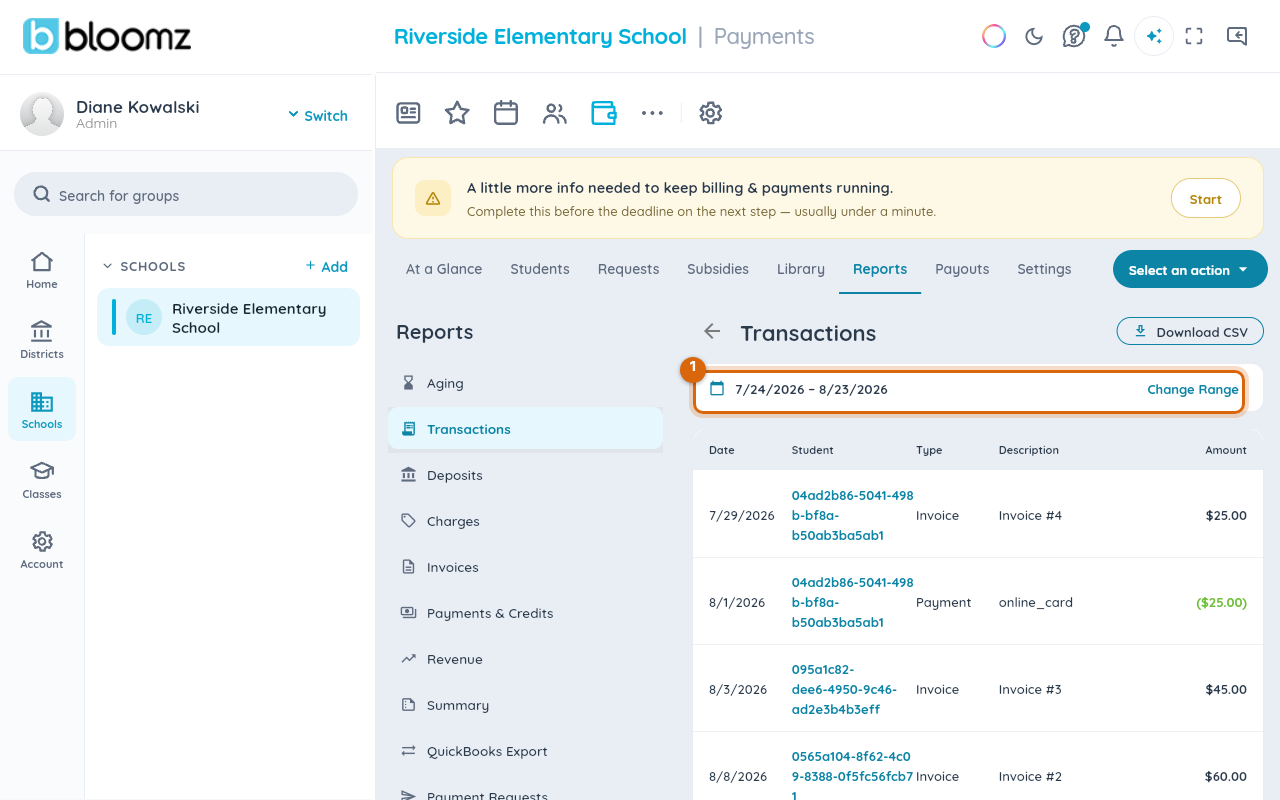
Set the date range to match the deposit on your bank statement — the report defaults to the last 30 days, and Change Range lets you match it exactly to your bank's posting dates.
Step 3 — Compare amounts to your bank deposit
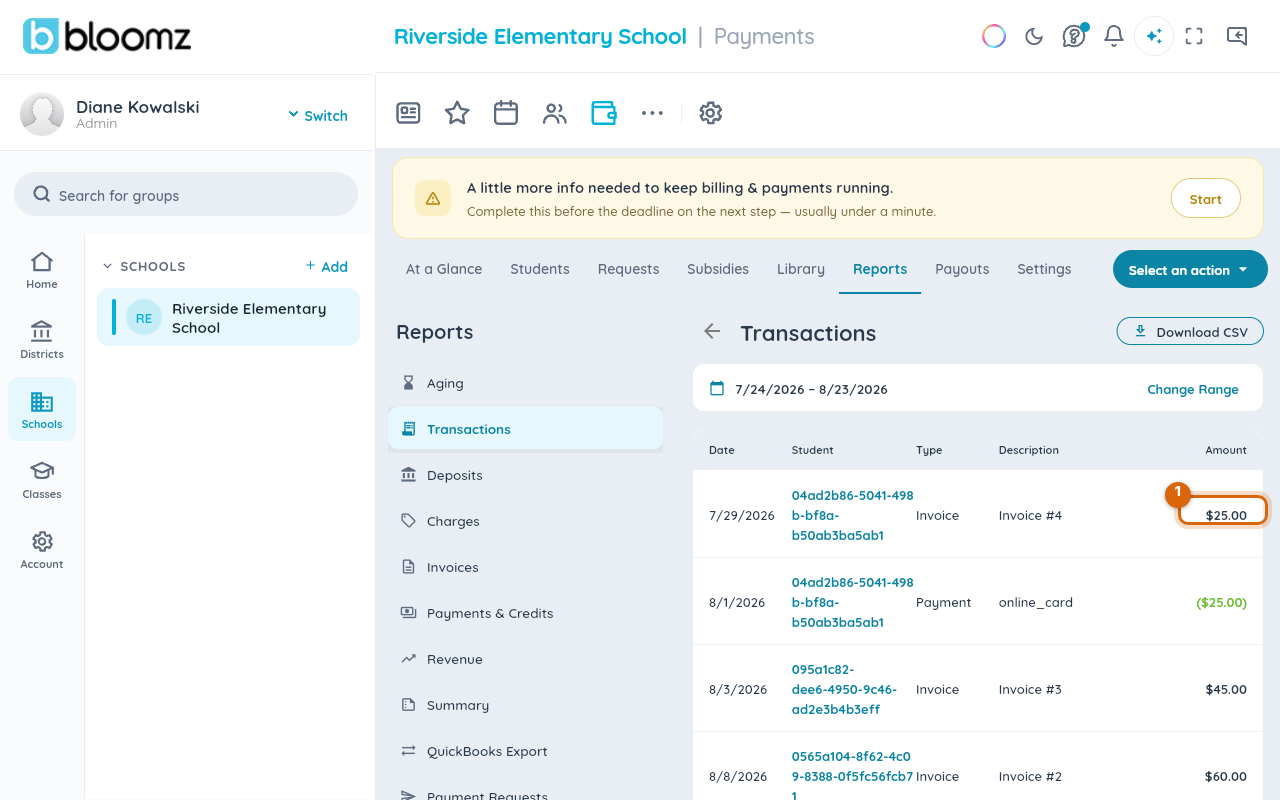
Each row is a single invoice or payment — the Type column marks which — with its own Date, Description, and Amount. Payments show as a negative amount in parentheses (a credit against what's owed); invoices show as a positive charge amount. Add up the payments in your date range and check the total against the matching deposit on your bank statement.
Step 4 — Review the full list if totals don't match
Scroll the list to see every invoice and payment in the range side by side — date, type, description, and amount — and compare it line by line against your bank's transaction detail to find the discrepancy.
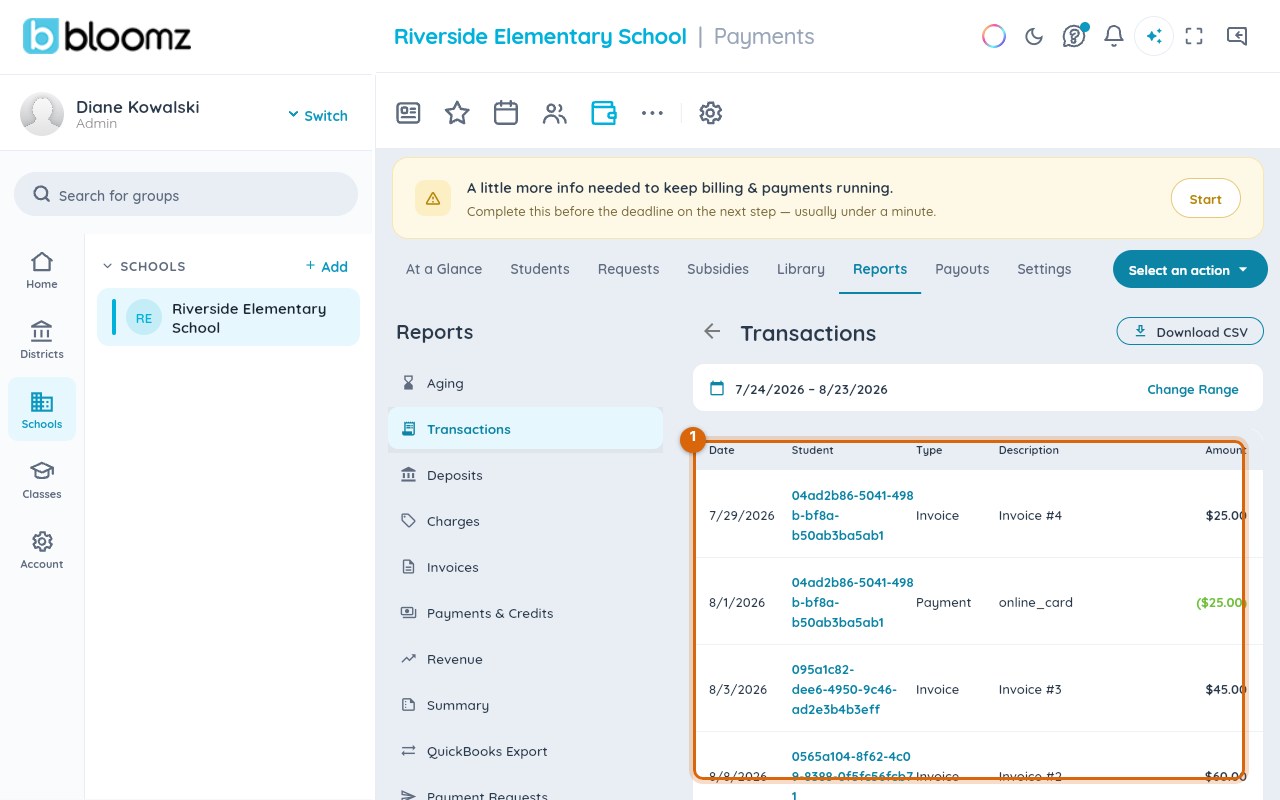
Watch out: the Student column identifies the student by their internal record ID rather than by name in some views — if you need to match a transaction to a specific family, cross-reference that ID against the Students tab, or open the transaction from the student's own payment history instead.
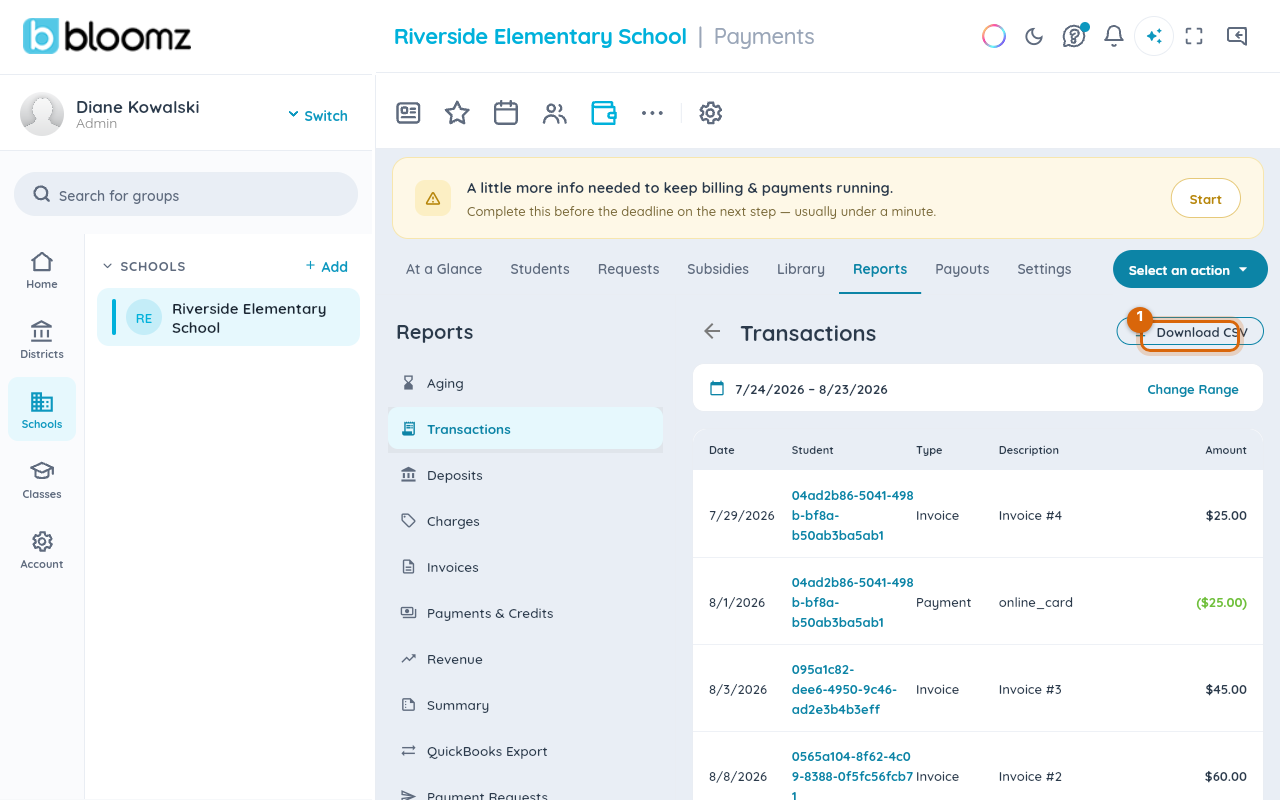
Step 5 — Export for your books
Select Download CSV to bring the full list of transactions into your accounting software.