 Bloomz
Use Bloomz without an account
You do not need a Bloomz account to keep up with a school's basic public updates — but that no-account experience lives on the school's public website, not inside the Bloomz app itself. Open the app without signing in and there is no browsable public feed: you land on a screen that asks you to create an account, sign in, or enter a code. This article explains exactly what you will see, and where the real no-account option actually is.
Before you start
A handful of schools run a specially built "no-login" version of their app (built just for that school, with its own name and icon) that does let you browse public posts, alerts and a calendar without signing in. If your school has told you it offers this, look for instructions from them directly — it is not something every school's Bloomz app includes, and this article covers the ordinary app that most families use.
Step 1 — Open the app
Install the app your school pointed you to and open it. You do not need to enter any personal information just to open it — but there is no public feed to browse from here. You land on a welcome screen with three choices: Create Account, Sign In, or Enter Code.
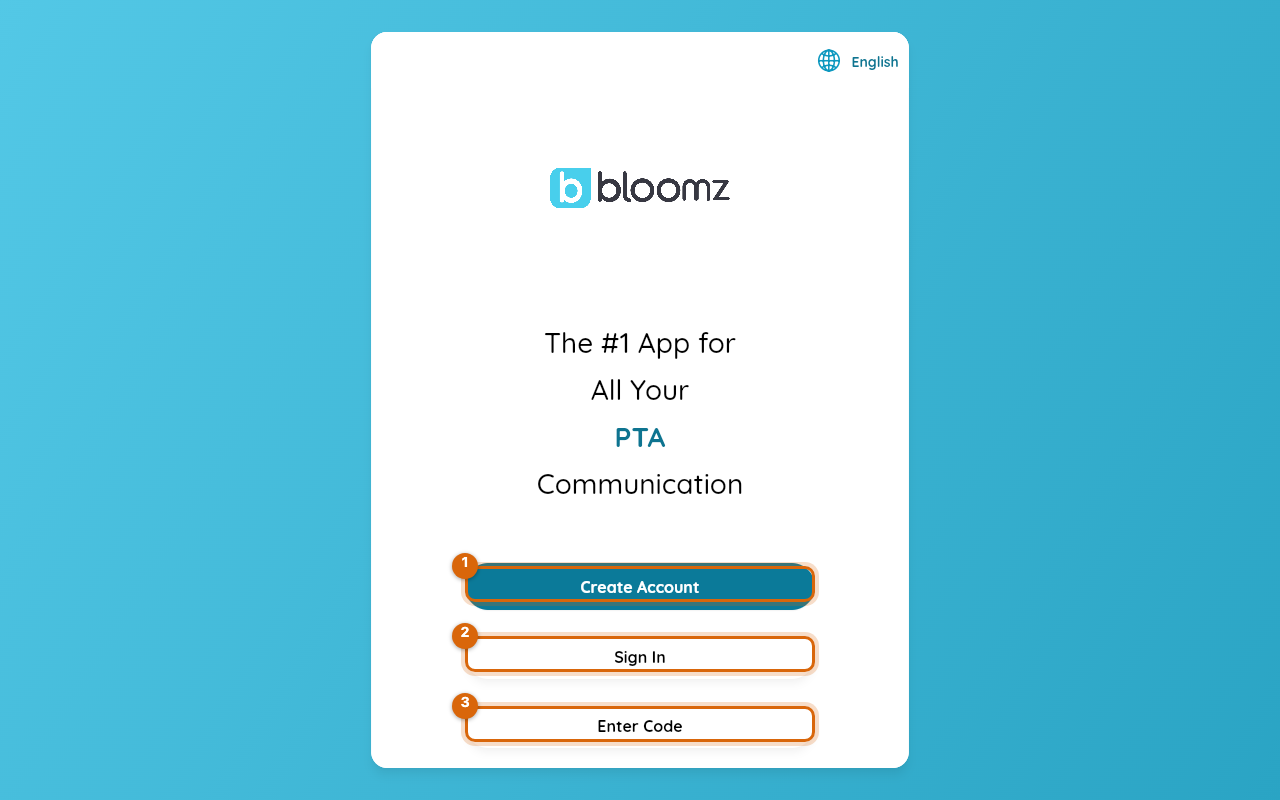
Watch out: if you were expecting to browse announcements or a calendar without an account, this is normal — the ordinary Bloomz app does not offer that. Keep reading for the real no-account option.
Step 2 — For public updates without an account, use the school's website
Announcements, alerts, a calendar, and documents the school has chosen to publish are browsable on the school's public website, with no account needed there — and if the school has turned on School Answers, you can ask it questions too. See School Answers: AI answers on your school website and Your school website with Slick Sites. Classroom posts and photos, messages with staff, sign-ups, forms, payments, and anything about your own child are never public — those only appear once you have joined your child's class.
Step 3 — Sign in when you're ready for the full experience
When you want more than public updates, create an account or sign in from the welcome screen. Signing in connects you to your child's classes: their classroom feed and photos, direct messages with teachers, events and sign-ups, and everything else your role at the school includes.
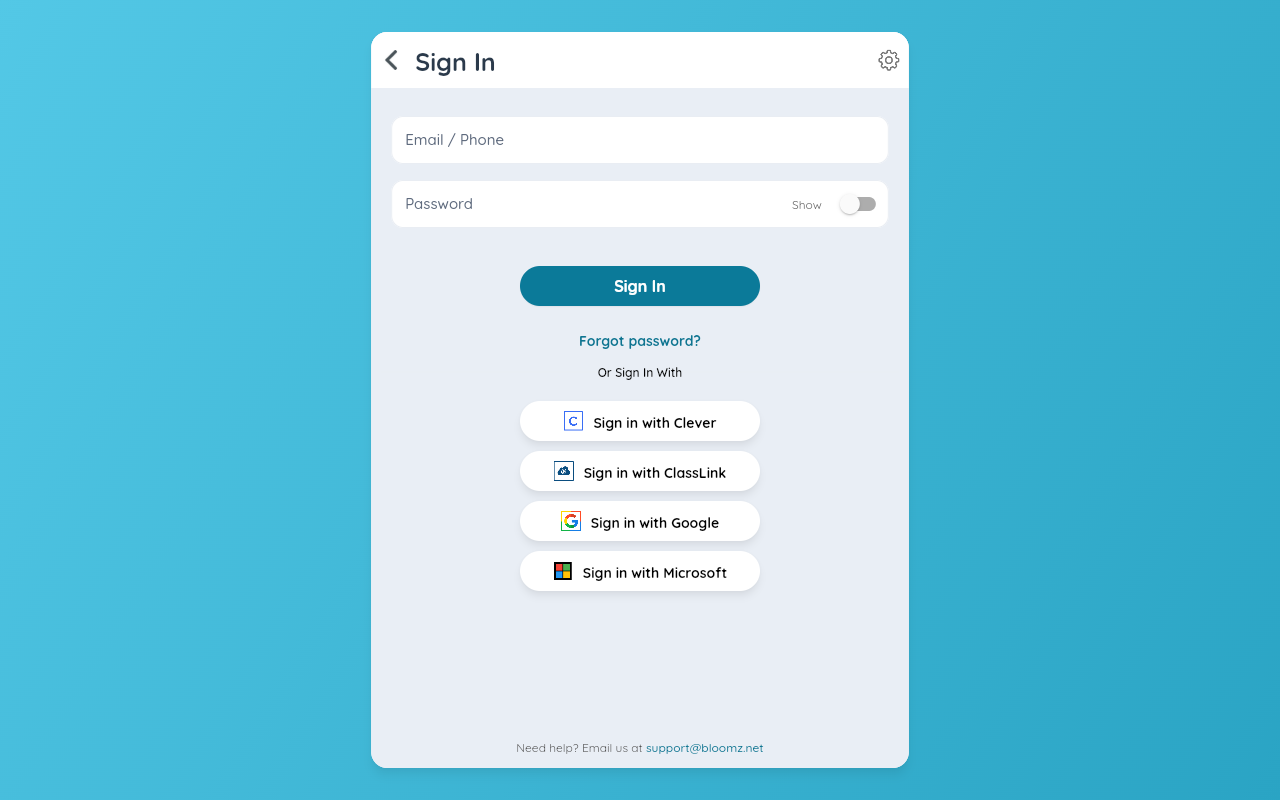
Watch out: without an account, the school cannot reach you specifically — absence notes, conference reminders, and anything addressed to your family only start flowing once you have signed in and joined your child's class.
Related
- What's new in Bloomz 2026
- Your school website with Slick Sites
- School Answers: AI answers on your school website
- What a no-login school app actually shows you